
As we continue to improve and evolve our processes we have now launched completely digital membership cards.
For those that pay membership direct debits you will receive an email allowing you to set up your account and access your QR code to be used at the bar. If you do not have your QR code you will not be able to access the discounts provided to members. The QR code will change so ensure you open it from the browser each time you use it.
Below are some screen shots which may help with your initial set up.
You will receive an email from ‘no-reply@touchtakeaway.net‘, please note that this may be routed to your junk folder so please search for this sender in your mailbox and then let us know if you still do not see it.
The email will look like this, you need to select the hyper link, ‘Create Password’.
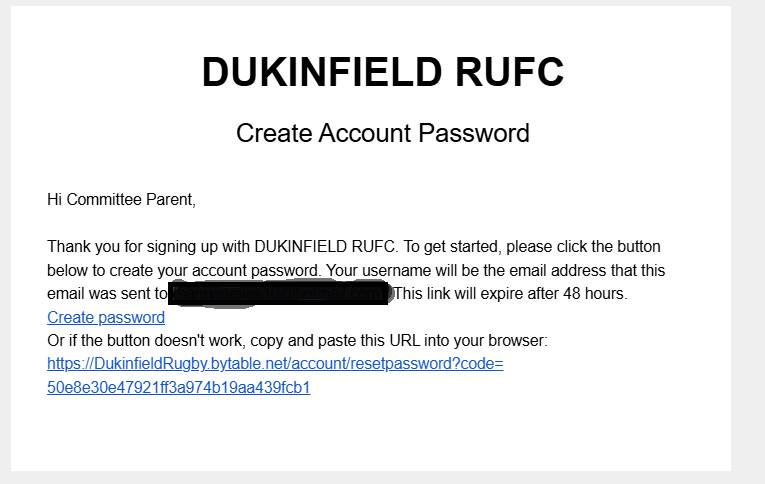
Once you have created a password, log in using your email address and password and the following screen will appear. The options will be grey until you have verified your account, which can be done via the email which is received. You are able to generate a new one via the link on the screen if you do not get this automatically.
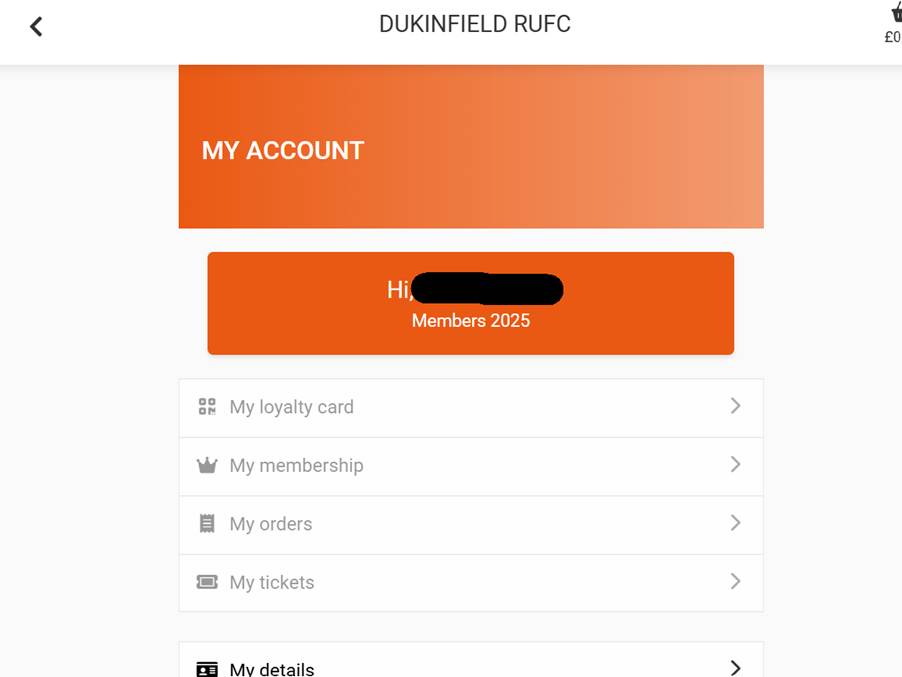
Once verified you will be able to access your loyalty card which can be scanned at the bar to receive your discount on purchases.

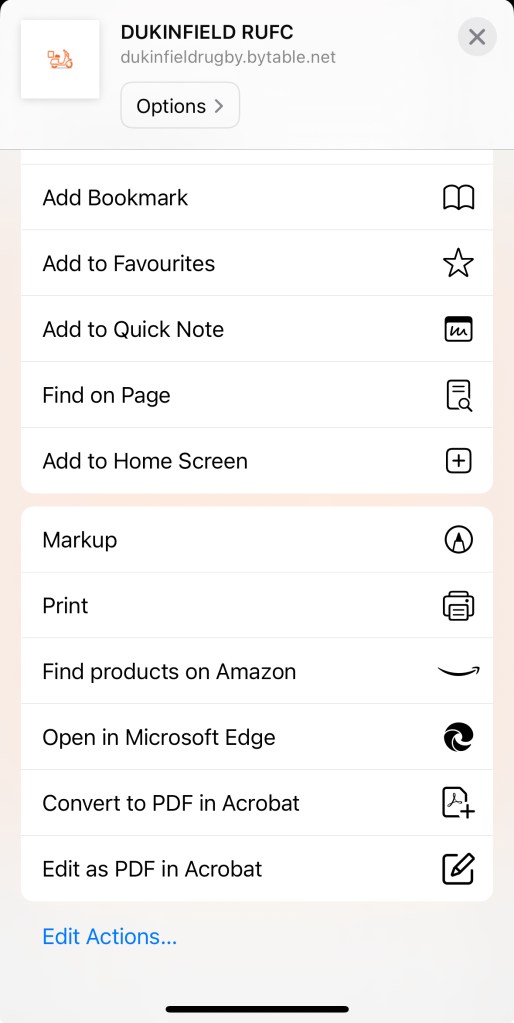
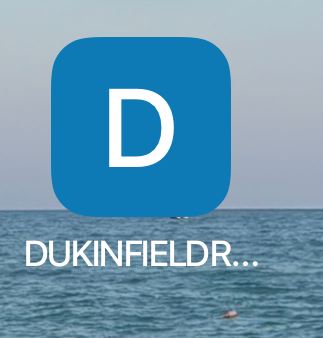
Why not add the book mark to your phones home screen for easy access!


Leave a comment